In an ambitious technical update presented at the Roblox Developers Conference, Roblox Corporation announced a landmark expansion of its runtime architecture. For the first time in the platform's history, players can join select 3D experiences directly within desktop web browsers, while developers gain the ability to export their creations as independent, standalone applications.
How Instant In-Browser Play Works
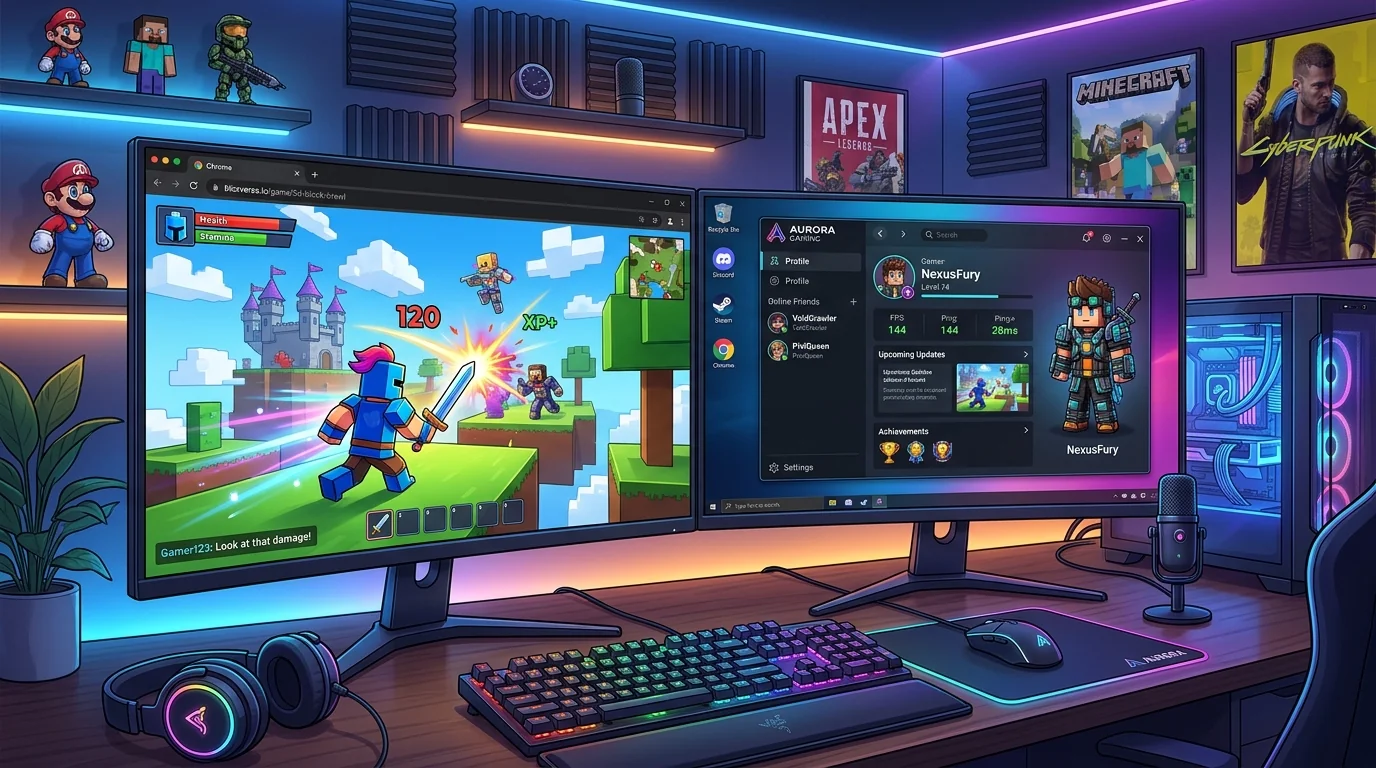
The new in-browser streaming technology leverages WebAssembly (Wasm) and WebGL 2.0 to compile core Luau runtime scripts directly in modern Chromium-based browsers, including Google Chrome, Microsoft Edge, and Opera. Rather than prompting first-time visitors with an operating system installation package, clicking "Play" on supported Experience Detail pages boots the game instance within 3 to 5 seconds.
However, engineers emphasized that web streaming is designed primarily as an exploratory onboarding funnel. Memory allocation inside browser tabs is capped at 2.5 GB of RAM, and draw distances are automatically scaled down. For long sessions and graphics-intensive multiplayer titles, the system proactively recommends installing the official standalone Windows 64-bit client or the native macOS Universal DMG package.
Technical Comparison: In-Browser Stream vs. Native Client
- Frame Rate Cap: Browser: 60 FPS strict lock | Native Client: Uncapped (120 FPS / 240 FPS high-refresh).
- RAM Allocation: Browser: ~2.5 GB tab ceiling | Native Client: Full 64-bit addressable memory space.
- Graphics API: Browser: WebGL 2.0 / WebGPU preview | Native Client: DirectX 11/12, Metal (macOS), Vulkan.
- Peripheral Support: Browser: Mouse and basic keyboard | Native Client: Full DualSense, Xbox Wireless, and hotplug controllers.
Standalone Applications: A New Era for Studio Creators
Complementing browser streaming is "Roblox Everywhere" — an engine toolset enabling verified studios to package games as standalone applications. These titles run on Roblox's backend cloud infrastructure for multiplayer matchmaking and asset delivery, but feature dedicated branding, custom desktop icons, and standalone app store listings.
Before launching any high-fidelity title, we advise players to verify their system specifications against our Roblox platform requirements and compatibility matrix to ensure adequate VRAM and CPU threading.
Optimization Recommendations for Players
If you frequently transition between browser previews and native desktop gameplay, keep your browser cache cleared to avoid asset conflicts. For notebooks and desktop rigs, our team has published updated lag reduction and FPS optimization instructions covering GPU control panel overrides and background process management.